Changelog
Follow us and stay up to date with everything Morvik AI!
 Feb 24, 2026
Custom Actions Are Now Available for All Plans
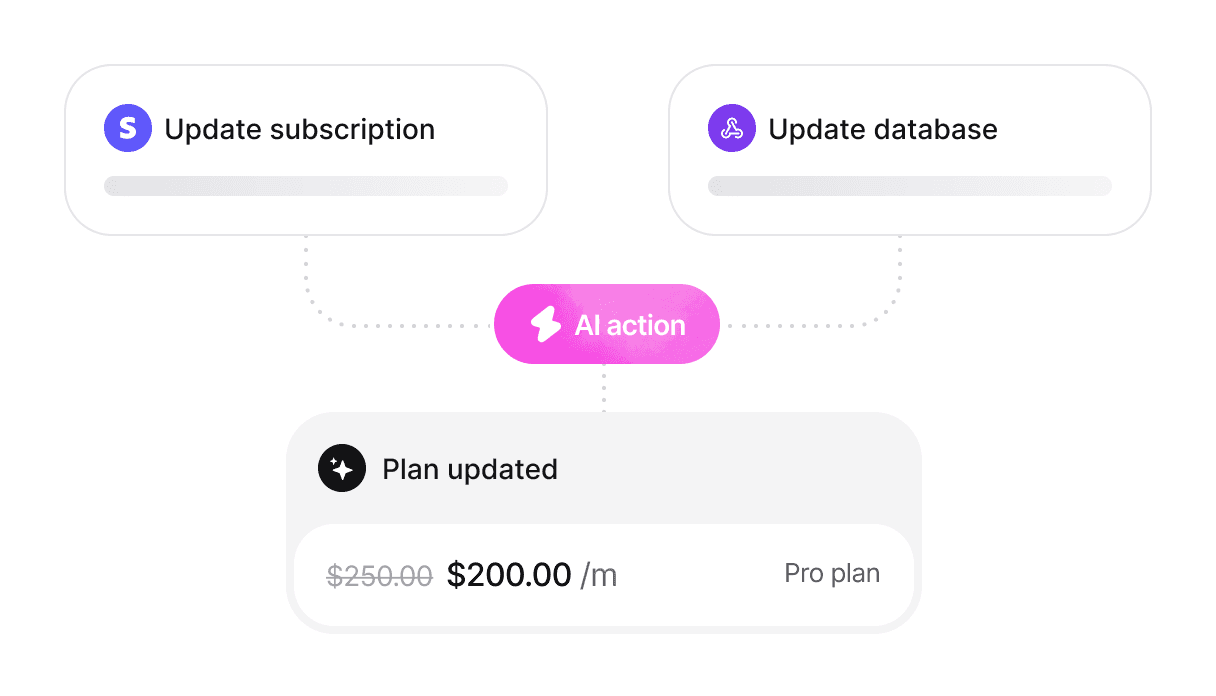
You can now configure custom actions that your AI agent can perform within your systems or through integrations.
This means your agent can do more than just answer questions — it can take real actions like updating a subscription, processing a refund, or changing a customer's address.
Custom actions are available across all paid plans:
• Update customer information
• Process refunds and returns
• Check order and subscription status
• Trigger workflows via API
• Connect with third-party tools
Feb 5, 2026Dictation is Now Live
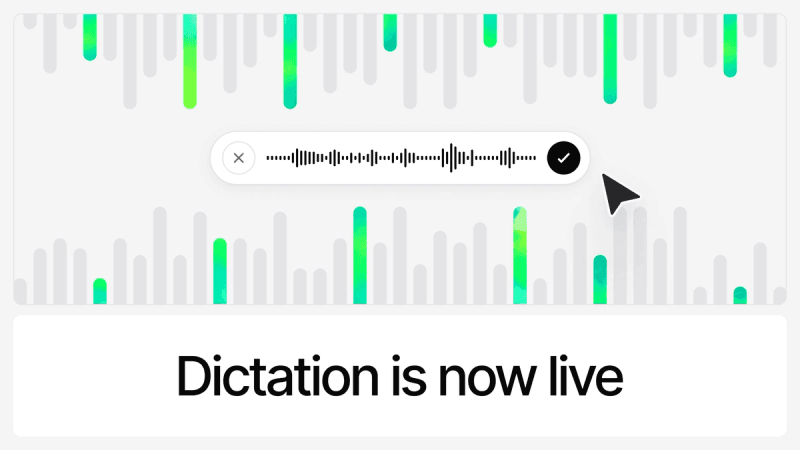
Customers can now speak their questions instead of typing when chatting with Morvik AI Agents.
Dictation is now available across all channels, including website widget, agent page and Meta channels. On WhatsApp, Instagram, and Messenger, voice messages are automatically transcribed.
This keeps support moving even when typing isn't convenient.
Jan 26, 2026Single Sign-on (SSO) is now available
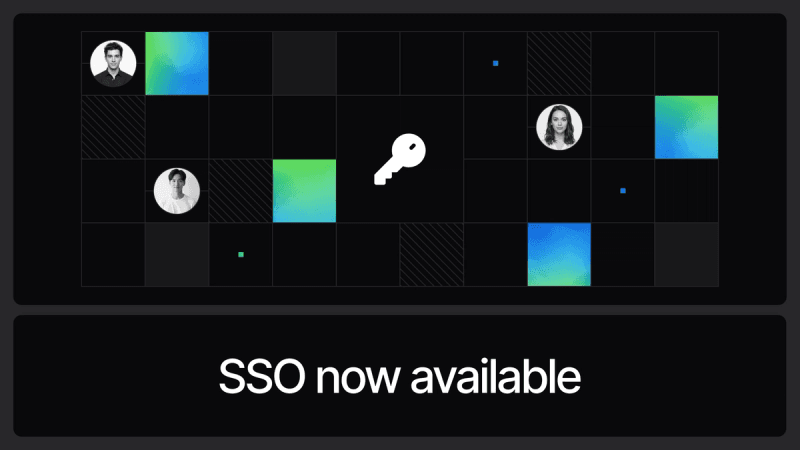
You can now enable Single Sign-On for your Morvik AI workspace.
SSO allows your team to sign in using your organization's identity provider, making access more secure and easier to manage.
Available on enterprise plan.
Jan 22, 2026Duplicate Agent is Now Available
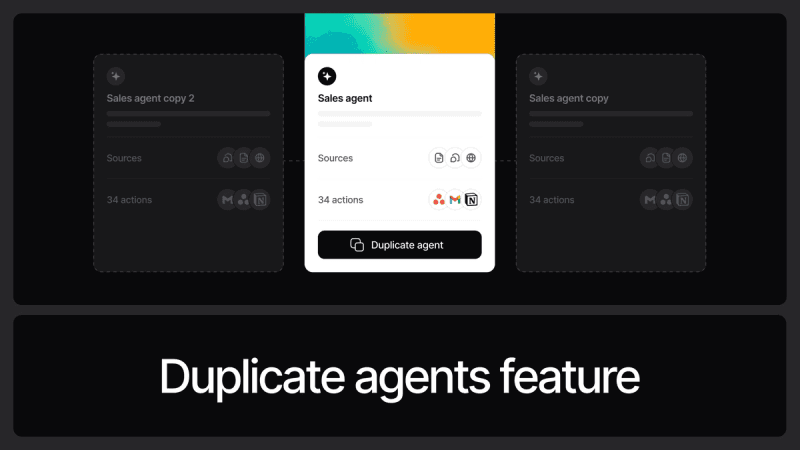
You can now duplicate an existing agent with a single click.
This makes it easy to reuse configurations, prompts, sources, and settings when creating a similar agent, saving time and effort.
Available across all plans.
Jan 12, 2026Localization of Chat UI With Your AI Agent
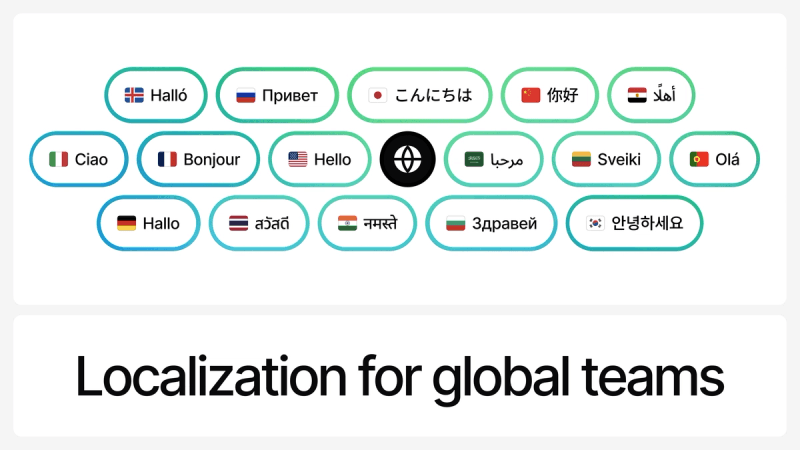
You can now localize your AI Agent's chat menus, tooltips, and modals in 40+ languages, including right-to-left (RTL) support.
This goes beyond multilingual conversations. While chatting with AI in different languages has always been supported, localization ensures the entire chat interface matches your users' language.
The widget automatically matches the user's browser language when available, and falls back to your default language if not.